Split Canvas Wall Art: Design & Hang Like a Pro
Key Takeaways
- Split canvas wall art turns one photo into multiple panels for big visual impact, and the right image, layout, and spacing are essential;
- Panoramas, skylines, architecture, and portraits with negative space split best across 3, 4, or 5 panels with clean margins;
- Aim for 1 to 2 inches between panels, align the center at 57 to 60 inches, and scale width to your furniture;
- Mixtiles gives you the split canvas look with adhesive, repositionable tiles, no nails, no damage, and easy redesigns.
Split canvas wall art is a high impact way to turn a single image into a gallery worthy centerpiece. By spreading one photo across 3, 4, or 5 plus panels, you add movement, depth, and scale to any room without cluttering your walls. In this guide, you will learn what works best for multi panel canvas, how to pick layout and size, and pro tips for spacing and alignment. You will also see how to get the look with Mixtiles adhesive, repositionable frames, no tools required.
Create your split canvas look with Mixtiles custom canvas prints now. Upload a photo, pick a layout, and install in minutes.
What is split canvas wall art, and why is it so popular?
Split canvas wall art divides one photo or design into multiple canvas prints that align as a single scene. The format delivers bold scale, adds rhythm to a wall, and feels modern. It shines above sofas and beds, in dining rooms, and along long hallways. You can use custom split canvas prints for family photos, travel landscapes, and panel canvas art you discover in our Fine Art prints. The result can be unique and ready to hang.
Which photos work best for split canvas wall art?
Choose images with clear focal points and breathing room. Panoramas, wide seascapes, mountain ranges, skylines, and architectural lines split beautifully. Portraits work when faces avoid the split and there is negative space on the sides. Avoid low resolution files, busy textures, and text that would land on a seam. In the Mixtiles app you can crop each panel, preview your split canvas print, and keep important details inside safe zones. This helps you create custom products that look polished at home.
For more inspiration on subjects and arrangements, browse our split canvas print ideas.
How many panels should you choose for your space?
Match panel count to wall width and image composition. Triptychs fit most living rooms, while 4 or 5 panels suit wider walls.
Triptych, 3 panel

Versatile and easy. Great for panoramas and over sofa or bed installations where balance matters.
4 panel and grid layouts

Clean symmetry for square walls. Works well for architecture or framed prints arranged as a grid.
5 panel and beyond

High drama for large walls. Consider a taller center panel to anchor the scene.
What size and spacing deliver a balanced, polished look?
Scale the total width to your furniture, then set even gaps for a crisp multi panel canvas display.
Sizing rules of thumb
Target total width at 60 to 75 percent of the furniture below. Hang the visual center at 57 to 60 inches from the floor, gallery standard.
Not sure which dimensions fit your room? Check our detailed canvas sizes for walls guide.
Spacing between panels
Start with 1 to 2 inches. Smaller rooms favor tighter gaps, larger rooms can handle slightly wider spacing if the photo allows.
Quick calculator
Total width equals sum of panel widths plus the gap times the number of gaps.
|
Layout |
Common total width |
Suggested gap |
Hang height |
|---|---|---|---|
|
3 panels |
48 to 72 in, 122 to 183 cm |
1 to 1.5 in, 2.5 to 3.8 cm |
Center at 57 to 60 in, 145 to 152 cm |
|
4 panels |
56 to 84 in, 142 to 213 cm |
1 to 2 in, 2.5 to 5 cm |
Center at 57 to 60 in, 145 to 152 cm |
|
5 panels |
60 to 96 in, 152 to 244 cm |
1.5 to 2 in, 3.8 to 5 cm |
Center at 57 to 60 in, 145 to 152 cm |
Design your multi panel wall gallery in the Mixtiles app. Rearrange your photo tiles digitally, then install with peel and stick.
How do you hang and align split canvas wall art like a pro?
Traditional canvases need careful measuring. Mixtiles canvas and framed prints stick securely and can be repositioned, which makes alignment easy. For deeper instruction, follow our step-by-step guide on how to hang canvas art on a wall.
- Plan the layout on the floor, then mark the wall center lightly;
- Measure panel widths and gaps, add painter’s tape guides;
- Mount from the center outward, checking level as you go;
- Step back after each panel, adjust until lines read straight.
Can Mixtiles give you the split canvas wall art look, with more flexibility?
Why choose Mixtiles for a multi panel display
Our tiles are lightweight and ready to hang. The adhesive is strong yet gentle, so you can lift and restick without wall damage. Create custom split canvas art on the website or app, preview each panel, and save time.
Style ideas with Mixtiles
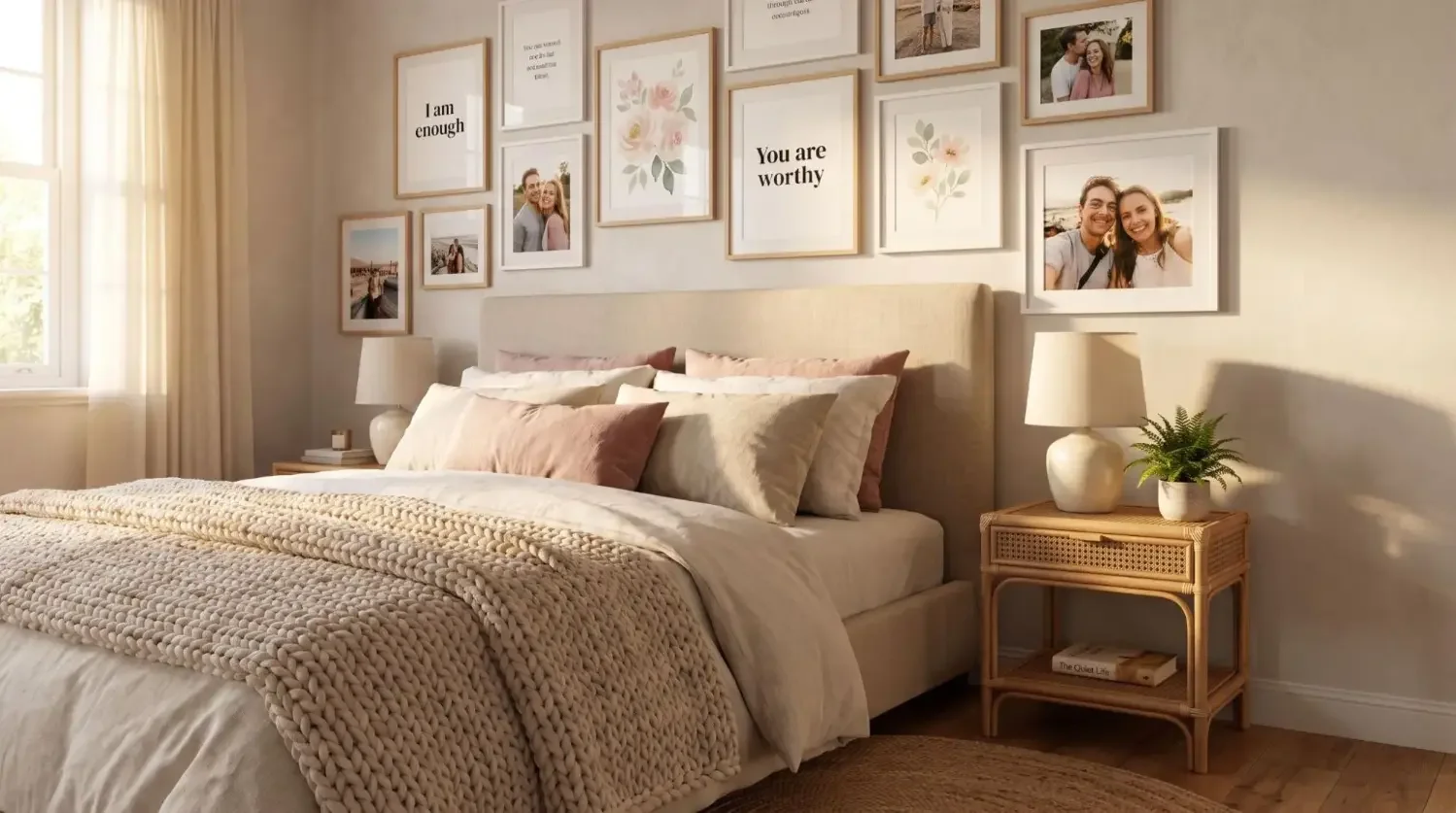
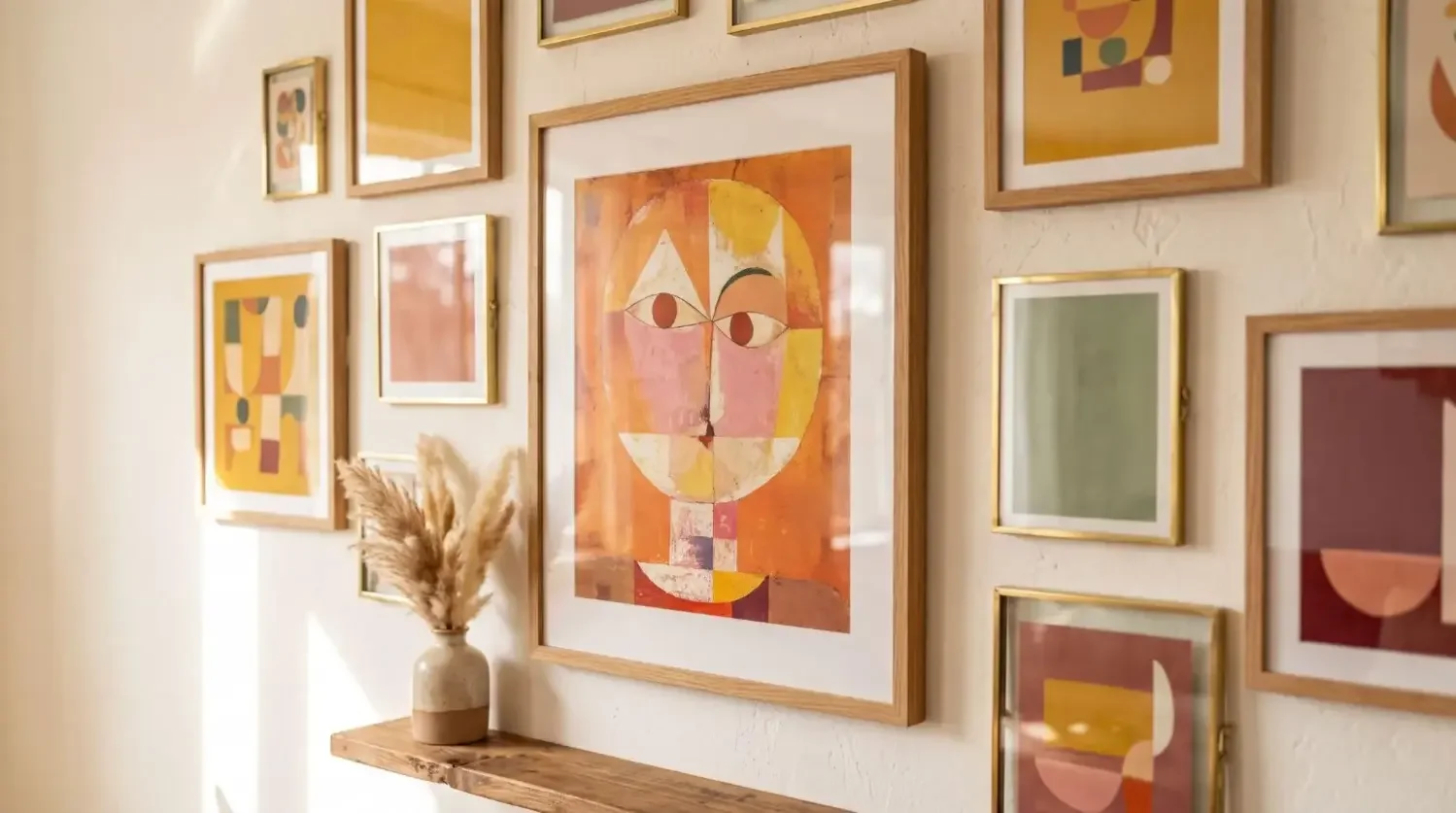
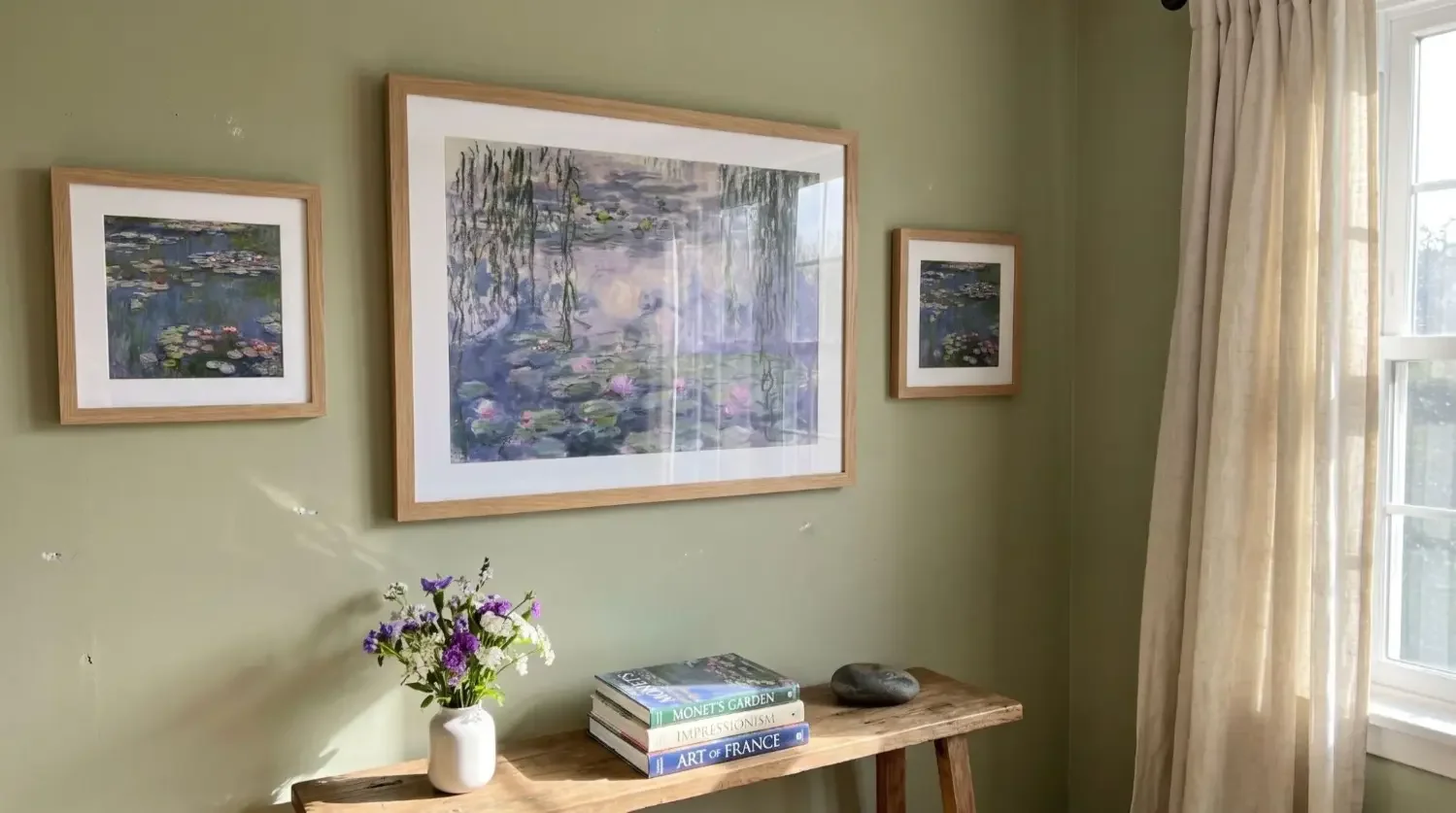
Try these simple compositions for your gallery walls:
- Panoramic triptych above the sofa;
- Four square grid on a stairwell wall;
- Five panel stagger in a wide hallway;
- Vertical triptych for a narrow nook.
Split canvas wall art delivers instant impact when you pair the right image with smart sizing and clean spacing. Whether you choose classic canvas prints or want the same multi panel effect with more freedom, Mixtiles can help you make unique, custom split walls that are easy to install and simple to adjust.
Get the split canvas look with Mixtiles. Upload a photo to create stunning wall arts and build your multi panel wall today.
Frequently Asked Questions
What resolution do I need for crisp split canvas prints?
For each panel, aim for at least 150 dpi at print size, 300 dpi for premium sharpness. Example: a 16x24 inch panel needs 2400x3600 pixels minimum. Export high-quality JPEG or PNG, avoid heavy cropping or digital zoom that reduces detail.
Which photos work best for split canvas wall art?
Choose images with a clear focal point and negative space, such as panoramas, seascapes, skylines, or architecture. Keep faces, text, and key elements away from seam lines. Shoot in good light, keep horizons level, and leave margin for safe cropping.
How should I space and position the panels?
Use even gaps of 1 to 2 inches for most rooms, tighter for small spaces. Center the overall arrangement at 57 to 60 inches from the floor. Align the middle panel to the wall’s midpoint, then work outward, checking level as you go.
What materials are best for a split look, and how do they differ?
Gallery-wrapped canvas is lightweight with a matte finish, great for large formats. Framed photo prints feel classic and crisp. Metal and acrylic are sleek and durable, with more gloss and contrast. Choose based on glare conditions, weight limits, and desired style.

Sé el primero en saber — ofertas, noticias e ideas de decoración.
Al registrarte, aceptas los Términos de uso y la Política de privacidad de Mixtiles